Settings reference
Settings has nine sections. Several of them exist to tell you what WeftKit will not do — controls that are unavailable in a build say so plainly rather than appearing as toggles that quietly do nothing.
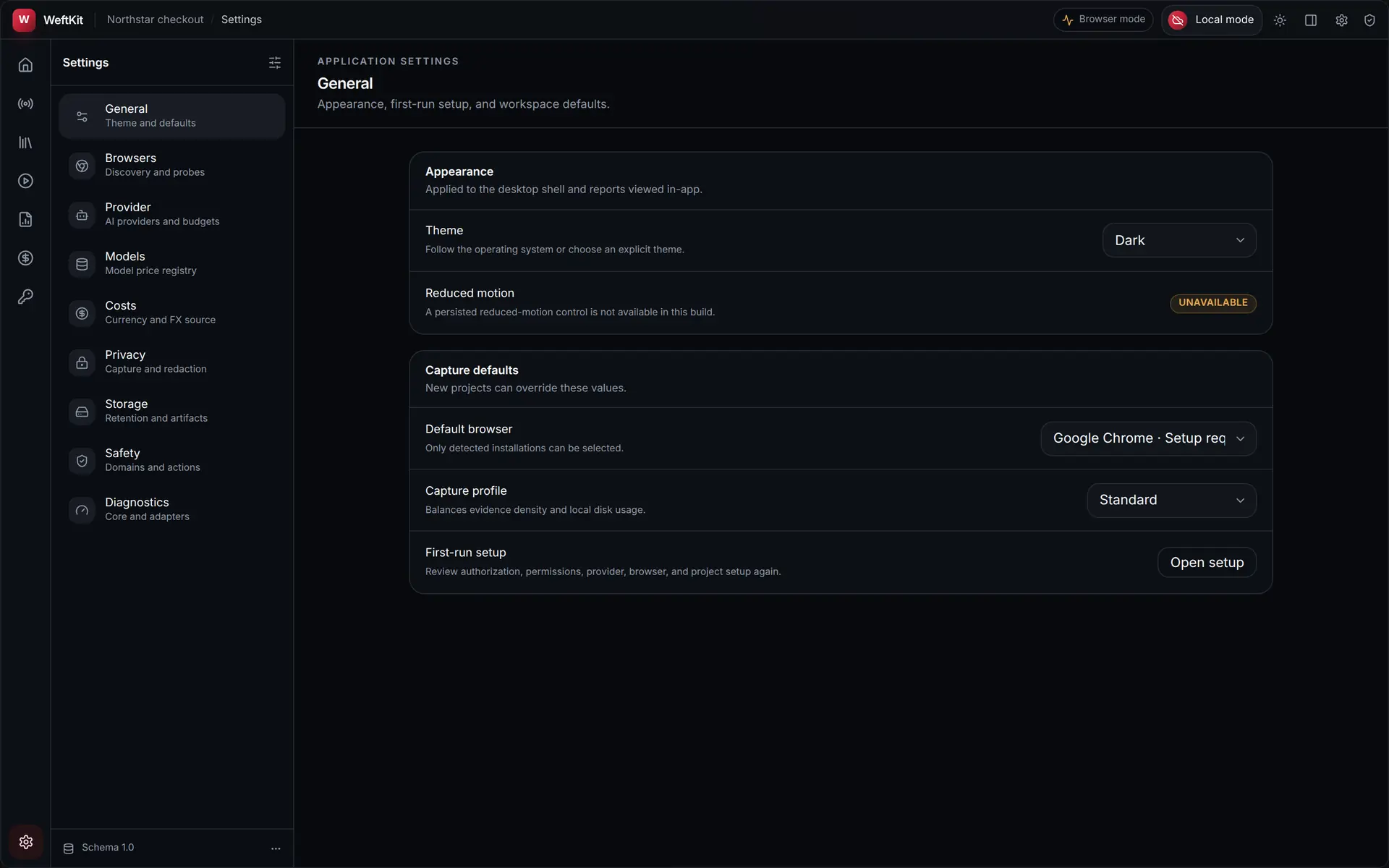
General
Appearance, first-run setup, and workspace defaults. The theme follows the operating system unless you choose Dark or Light explicitly. Capture defaults — the default browser and the capture profile (Economy, Standard, or High Fidelity) — seed new projects, which can override them individually. First-run setup can be reopened at any time.
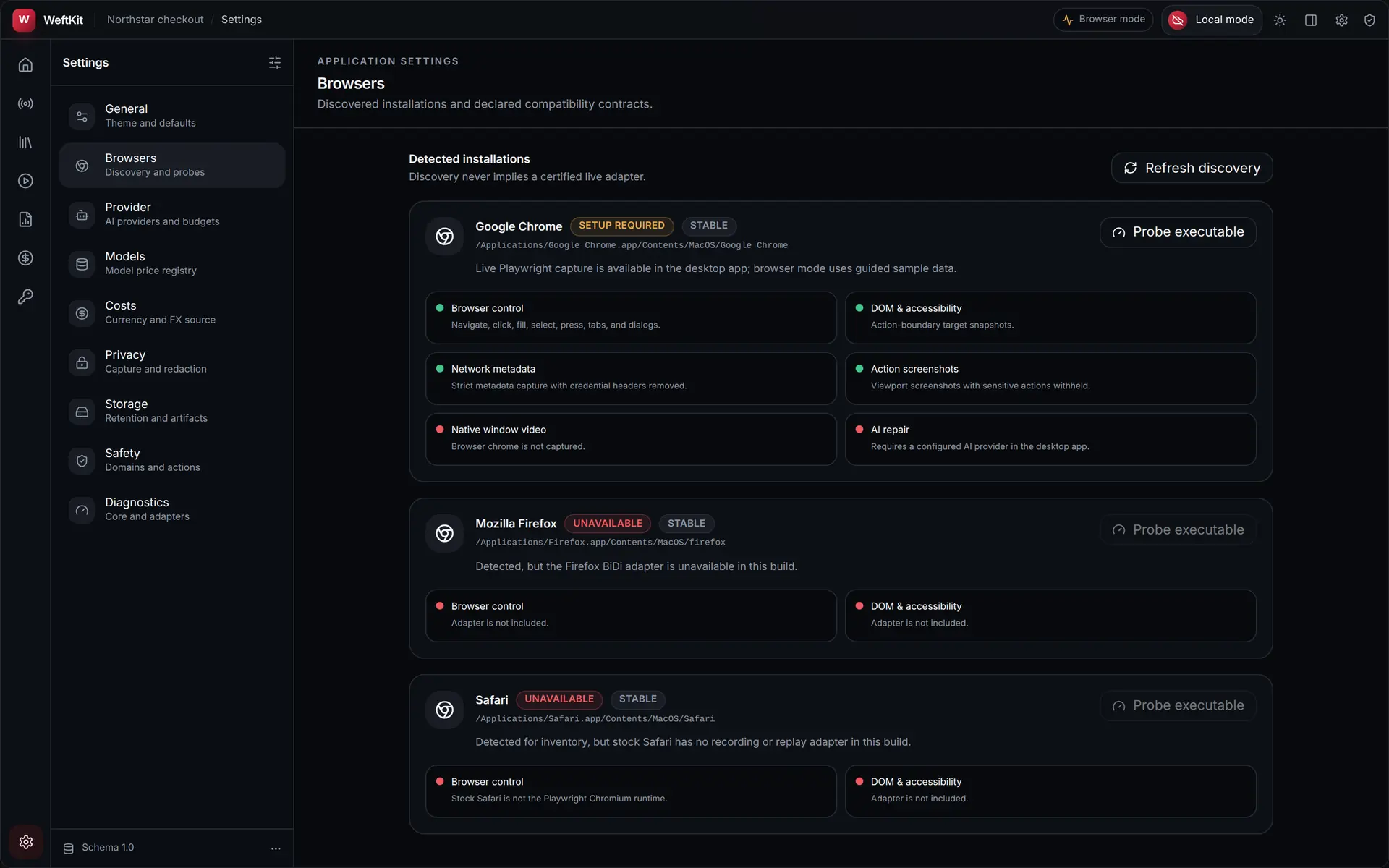
Browsers
Discovered installations and their declared compatibility contracts. Discovery never implies a certified live adapter: an installed browser is listed with its channel and executable path, and separately with what its adapter can and cannot do — browser control, DOM and accessibility snapshots, network metadata, action screenshots, native window video, and AI repair. You can re-run discovery or probe a specific executable.
AI providers
The active provider, per-provider credentials and endpoints, and hard budgets. Runs use the active provider unless the run preflight overrides it, and deterministic replay never needs one at all. API keys are write-only: they go to the OS credential vault and are never shown again.
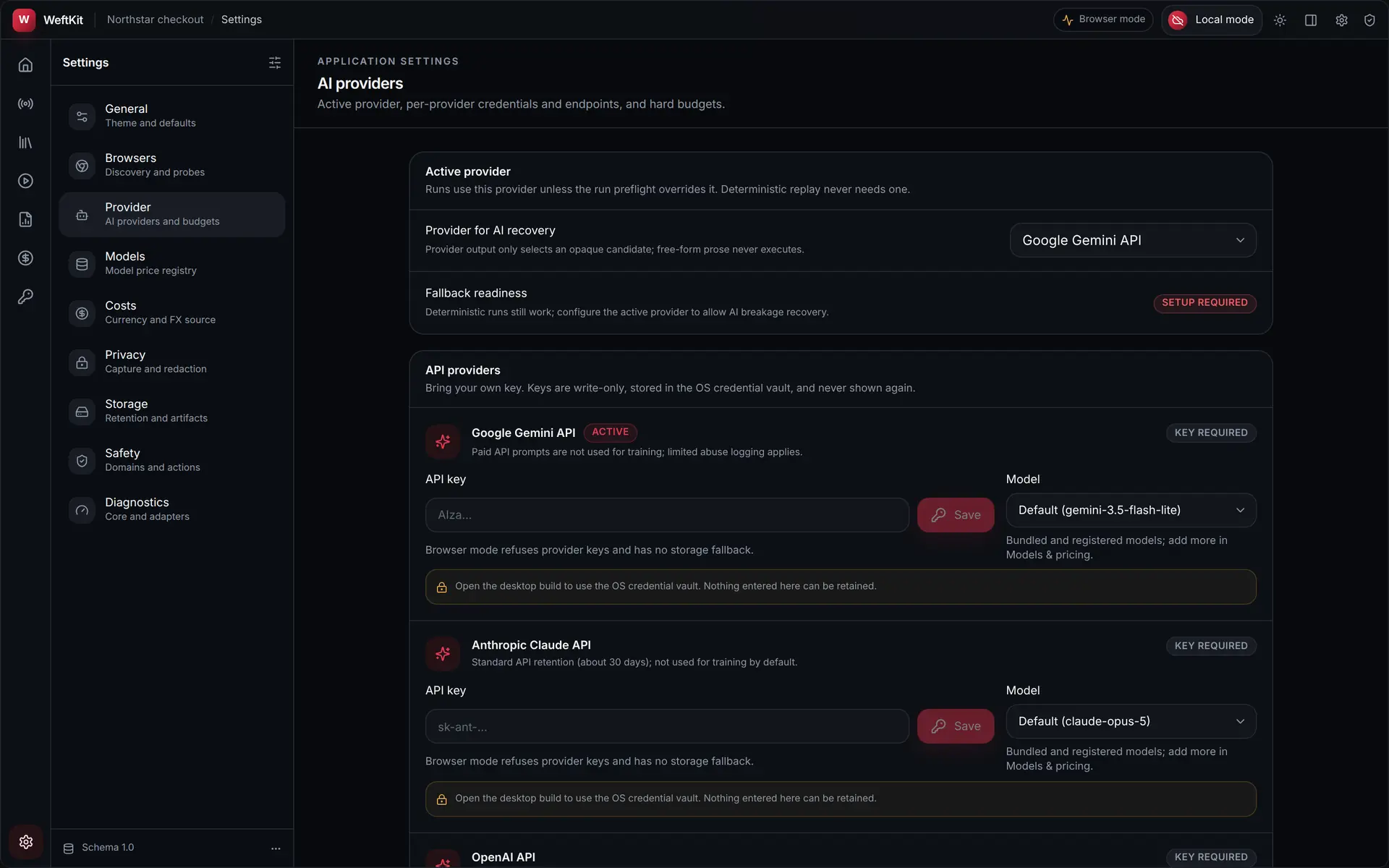
Saving a key validates its shape only. Access is verified by the first bounded provider response, and the app says so instead of claiming a connection it has not made.
Models
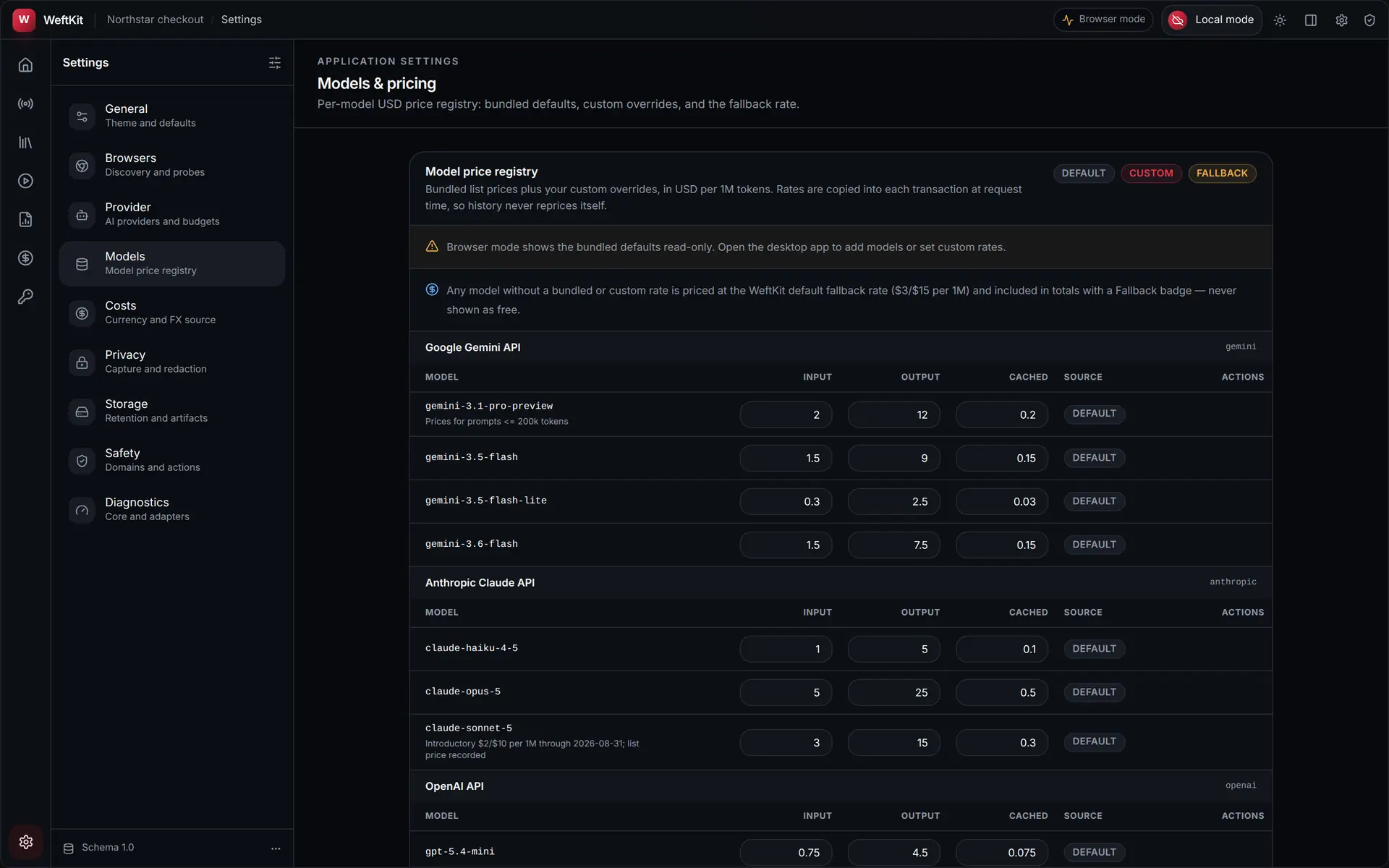
The model price registry: bundled list prices plus your own overrides, in USD per million tokens. Rates are copied into each transaction at request time, so history never reprices itself when you change a rate later. Any model without a bundled or custom rate is priced at the WeftKit default fallback rate and included in totals with a Fallback badge — never shown as free.
Costs
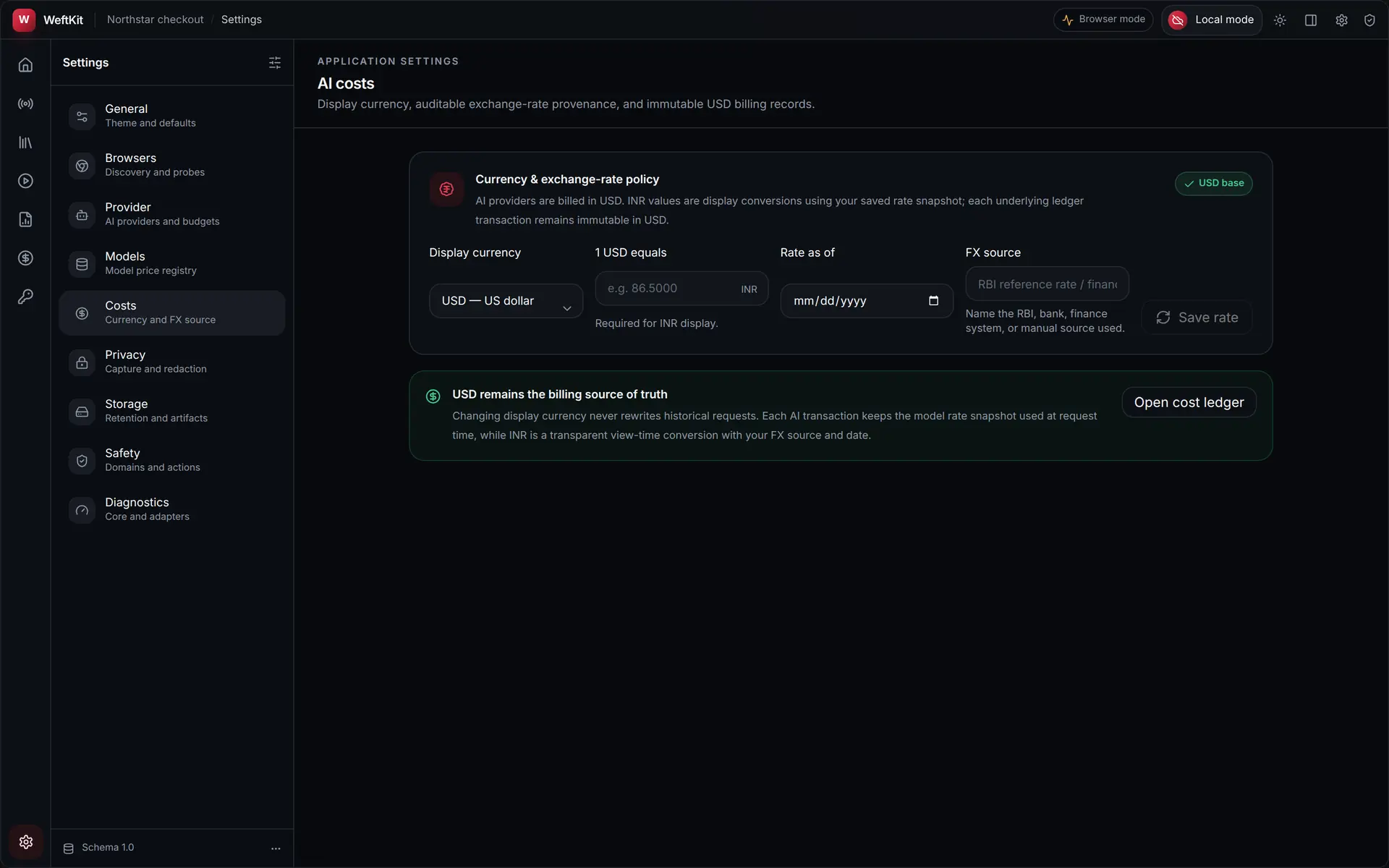
Display currency and the FX source behind it. USD is the immutable ledger base; any other currency is a view-time conversion, and WeftKit refuses to guess a rate — you record the rate and its provenance before a converted total will be shown.
Privacy
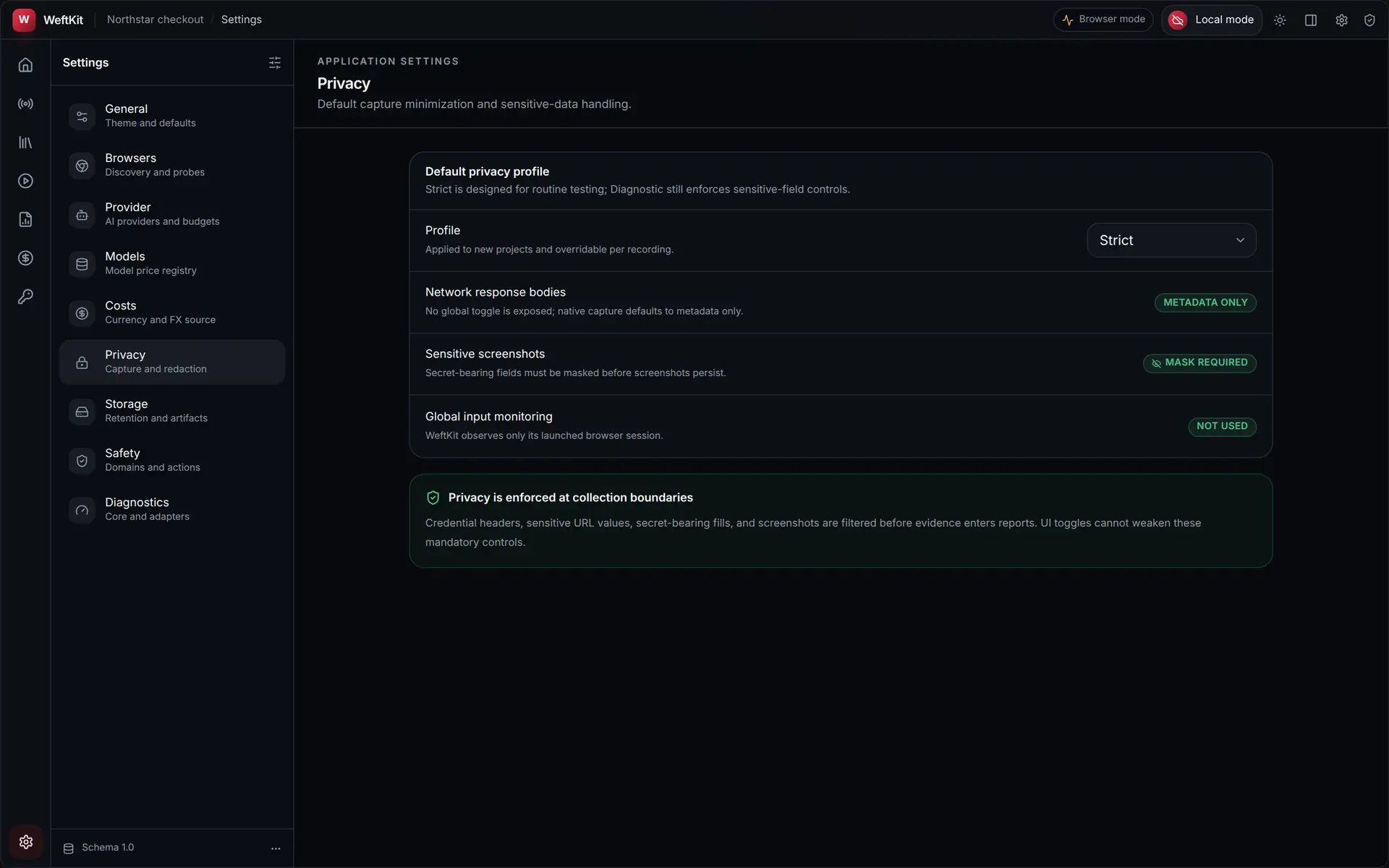
The default privacy profile for new projects, and the controls that cannot be weakened. Strict is designed for routine testing; Diagnostic still enforces sensitive-field controls. Network response bodies have no global toggle — native capture defaults to metadata only. Sensitive screenshots must be masked before they persist. Global input monitoring is not used: WeftKit observes only its launched browser session.
Storage
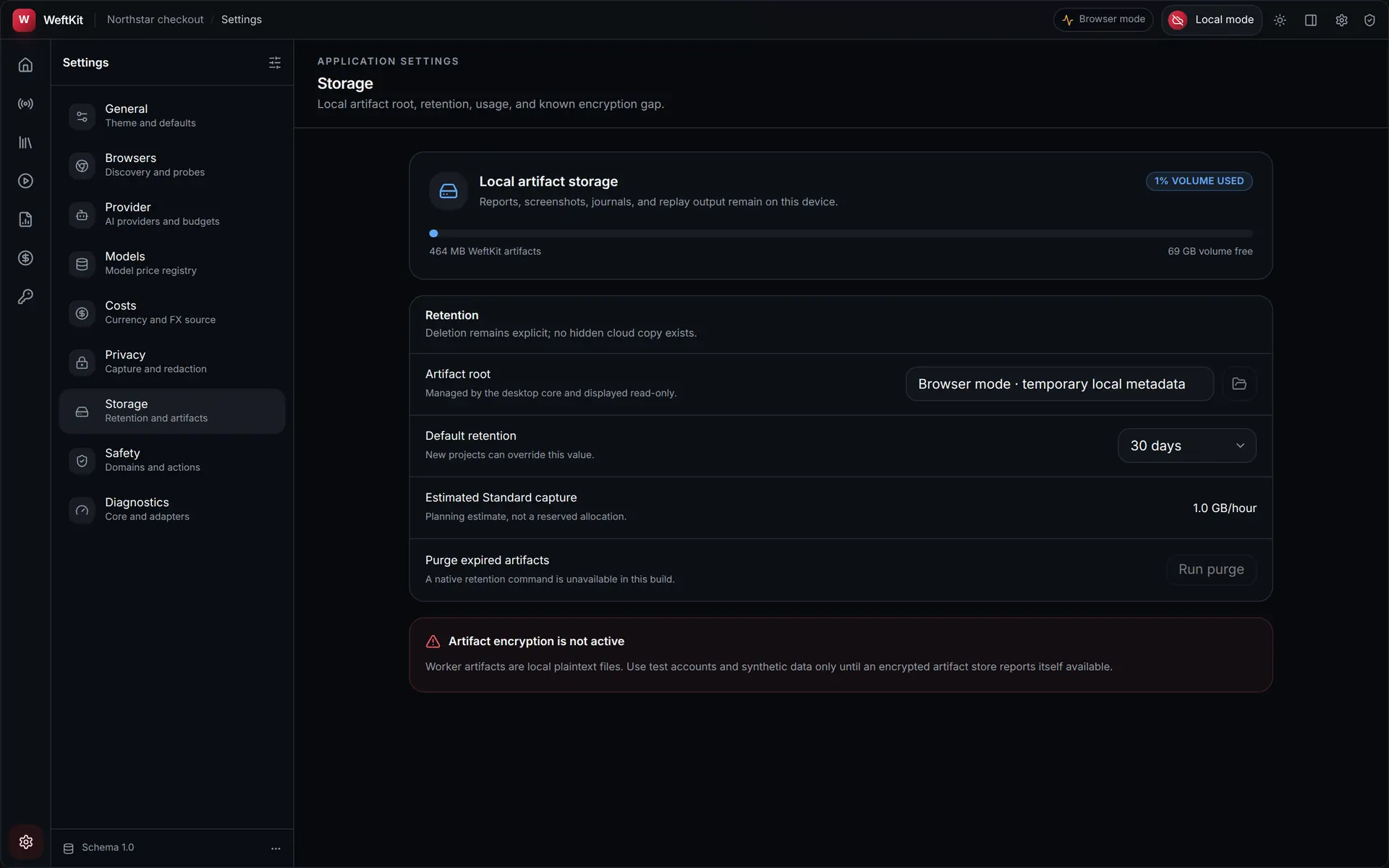
Local artifact storage and retention. Reports, screenshots, journals, and replay output stay on the device; the panel shows volume usage, the artifact root (read-only, managed by the desktop core), the default retention window that new projects inherit, and a planning estimate for Standard capture per hour.
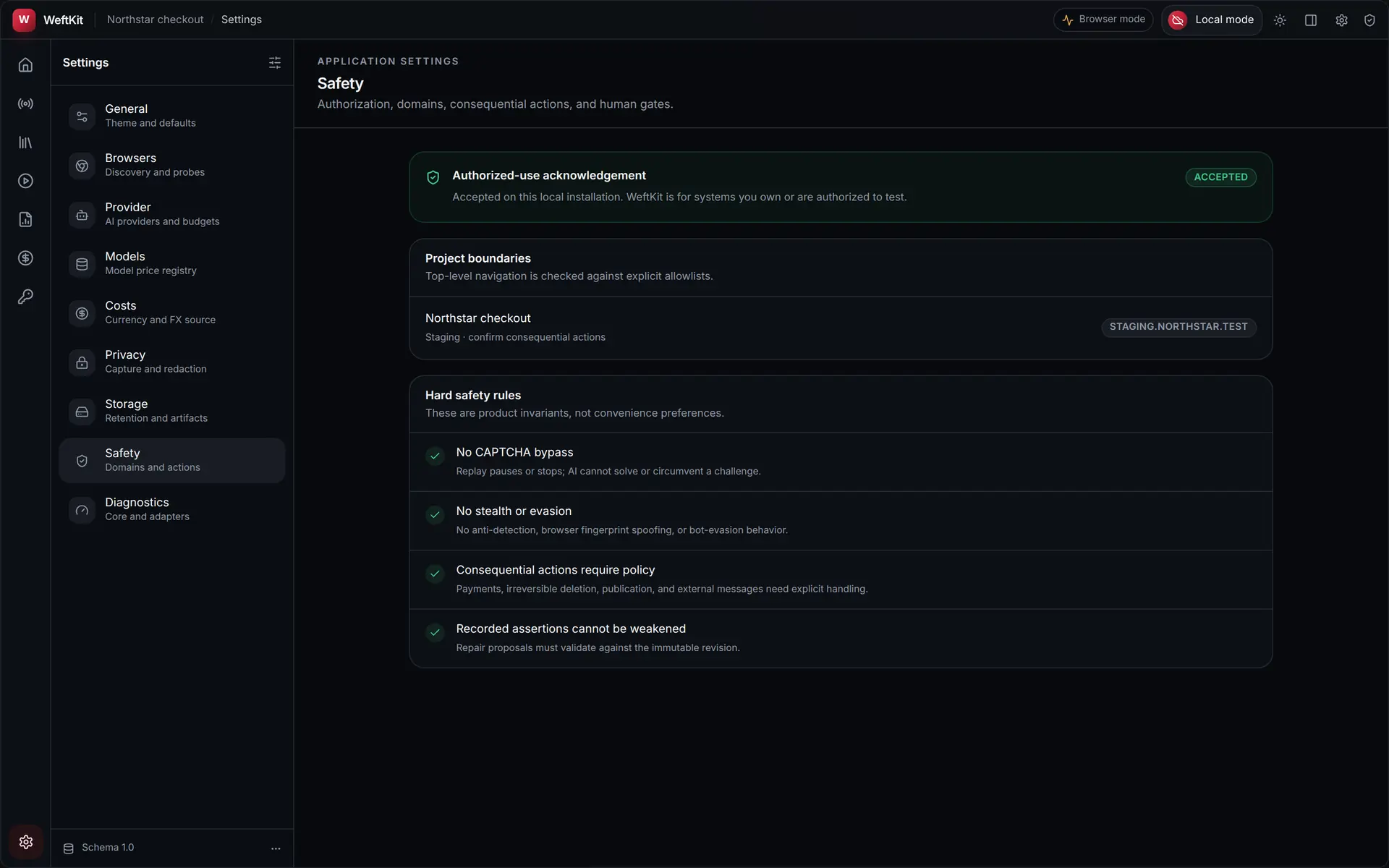
Safety
Authorization, domain boundaries, consequential actions, and human gates. Your authorized-use acknowledgement is recorded for the local installation, and each project’s top-level navigation allowlist is listed. Below them sit the hard rules, described in the app as product invariants rather than convenience preferences:
| Rule | What it means |
|---|---|
| No CAPTCHA bypass | Replay pauses or stops. AI cannot solve or circumvent a challenge. |
| No stealth or evasion | No anti-detection, browser fingerprint spoofing, or bot-evasion behaviour. |
| Consequential actions require policy | Payments, irreversible deletion, publication, and external messages need explicit handling. |
| Recorded assertions cannot be weakened | Repair proposals must validate against the immutable revision. |
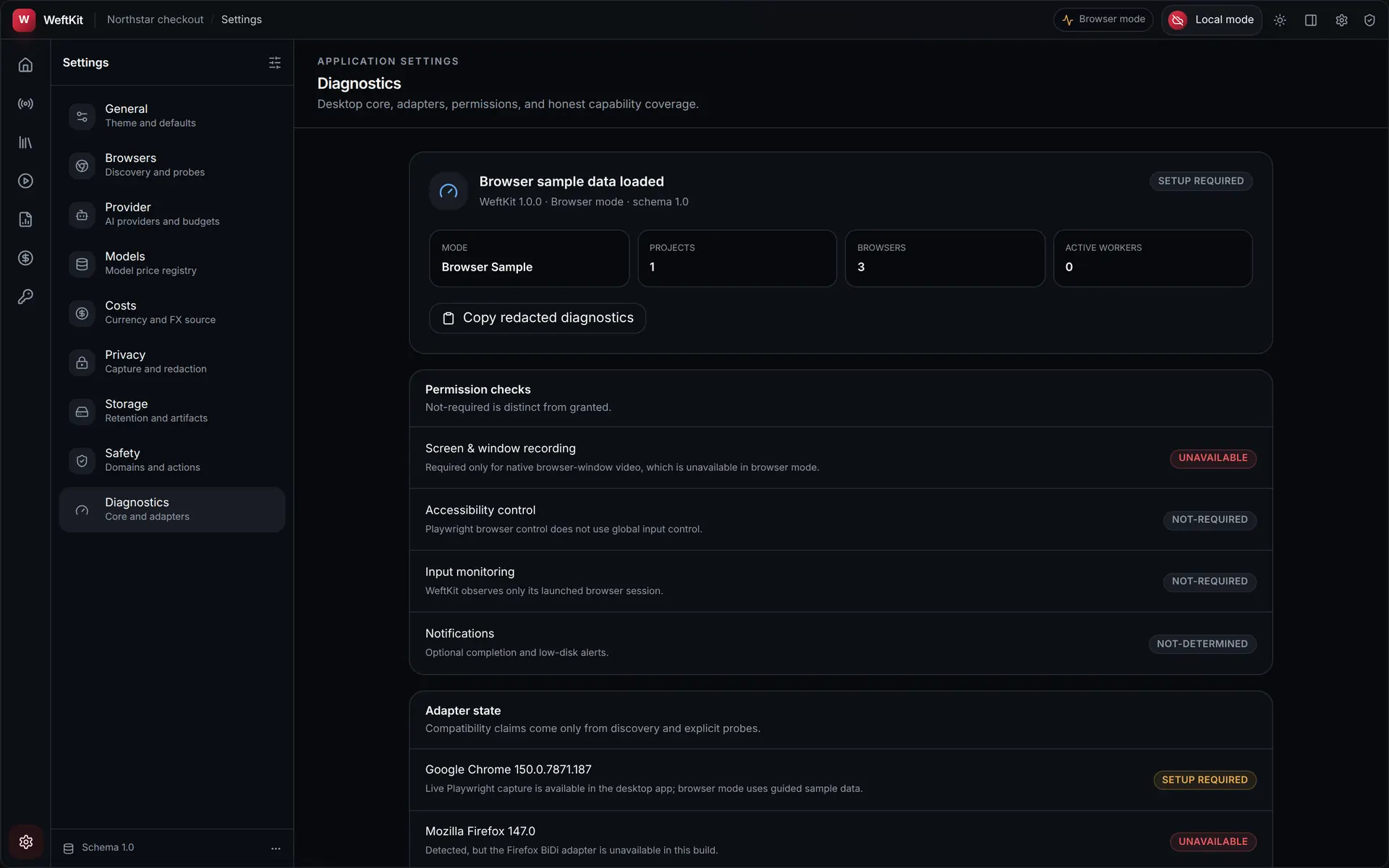
Diagnostics
Desktop core, adapters, permissions, and honest capability coverage — the version, schema version, run mode, and which capabilities are reporting themselves as ready. This is the first place to look when a capability you expected is missing.