Security model
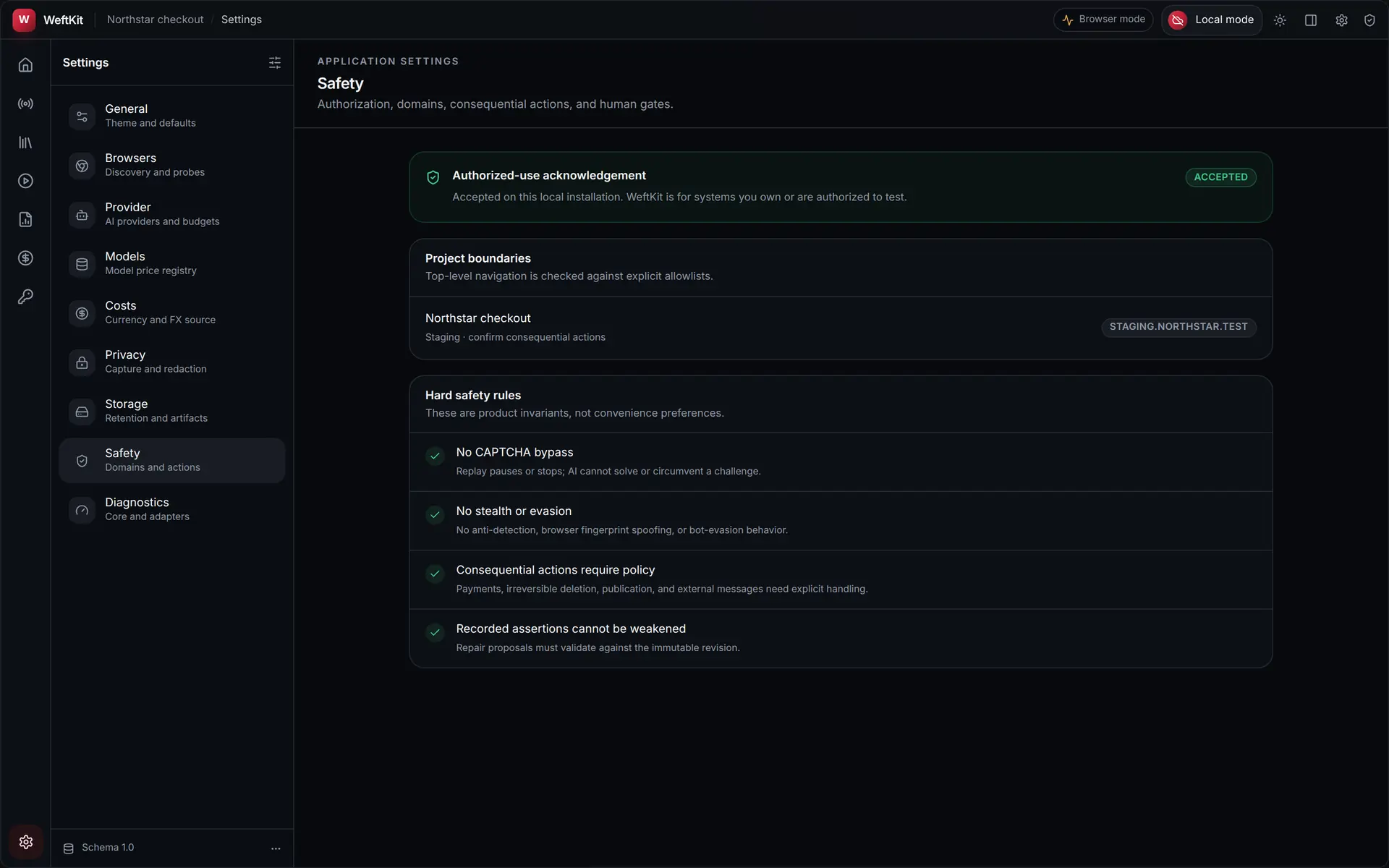
A short, honest summary of the boundaries WeftKit enforces. The theme throughout: the model advises, local code decides.
Local-first by construction
- Recordings, suites, reports, and evidence are files on your disk — and every project can be a git repository you control (the default).
- There is no WeftKit cloud, account, or telemetry backend behind the product.
- Recording and replay run in an isolated browser profile, separate from your personal browsing.
Secrets
- Passwords, API keys, and access tokens live in the OS credential vault (Keychain, Credential Manager, Secret Service) — never in project files, environment dumps, or logs.
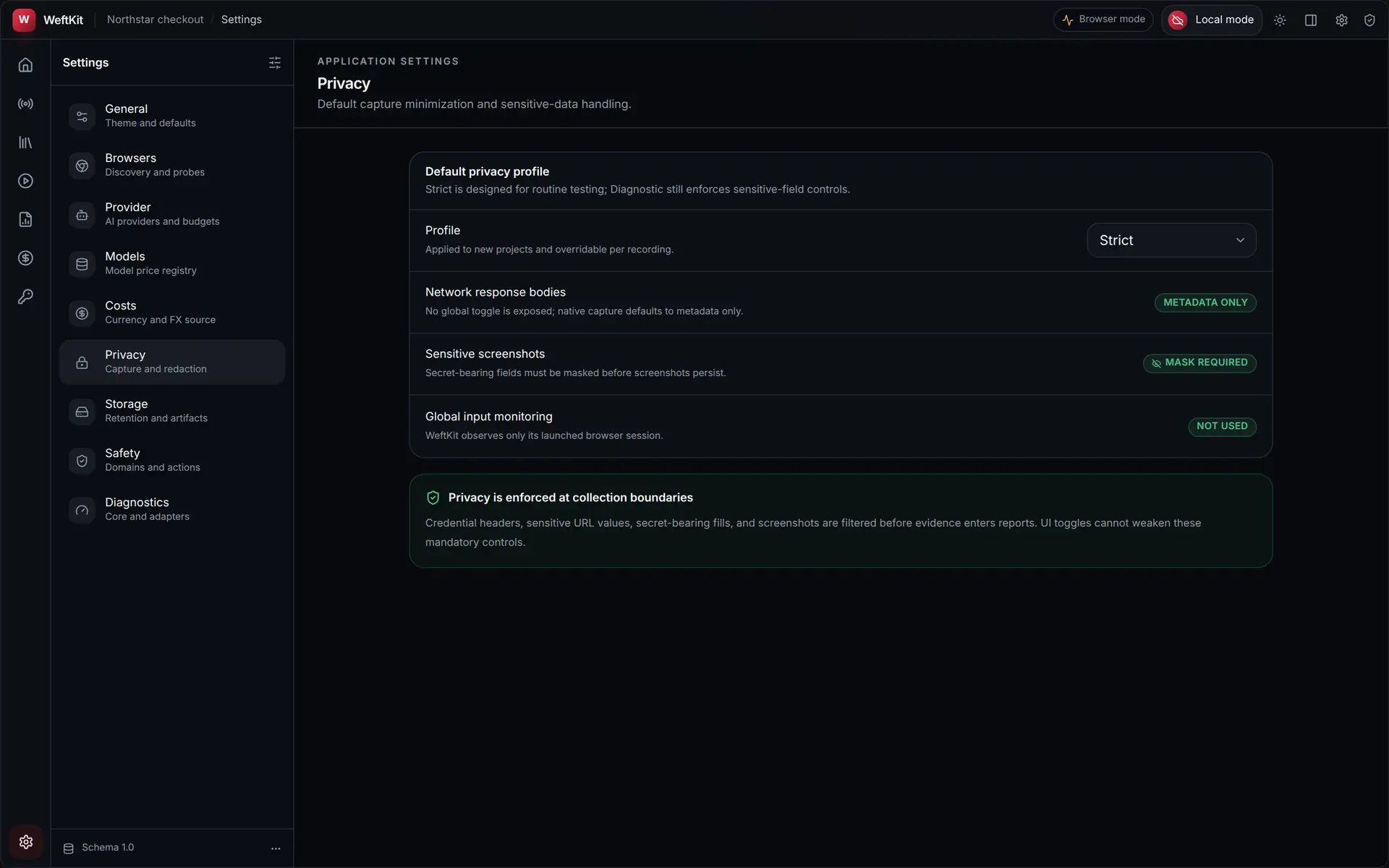
- Secrets are never sent to any AI provider or CLI agent. Outbound payloads are screened for secret material before transmission and before being written to the ledger; a hit blocks the request.
- Secret values are redacted from evidence and reports.
The AI boundary
AI repair is opt-in, and its blast radius is deliberately small:
- A model is consulted only after a step deterministically fails — never to drive a healthy run.
- The model chooses from safe recovery candidates generated and policy-checked locally; its output is schema-validated, and anything outside the schema is discarded.
- Requests are bounded: capped payload and response sizes, request timeouts, and a hard cap on output tokens.
- Every request is priced and budget-checked before it is sent, and appended to a durable ledger first.
- CLI agents run as subprocesses with a cleared environment and no access to the vault or the browser.
Evidence integrity
Each run’s event log is hash-chained: every entry carries a digest linking it to the previous one, so removing or editing an entry breaks the chain visibly. Network evidence records metadata about requests and responses, not credential material.
Honest scope: WeftKit relies on your operating system’s protections for data at rest — it does not implement its own encryption-at-rest layer. Anyone with access to your OS user account can read project files, exactly as with any local development tool.