Recording studio
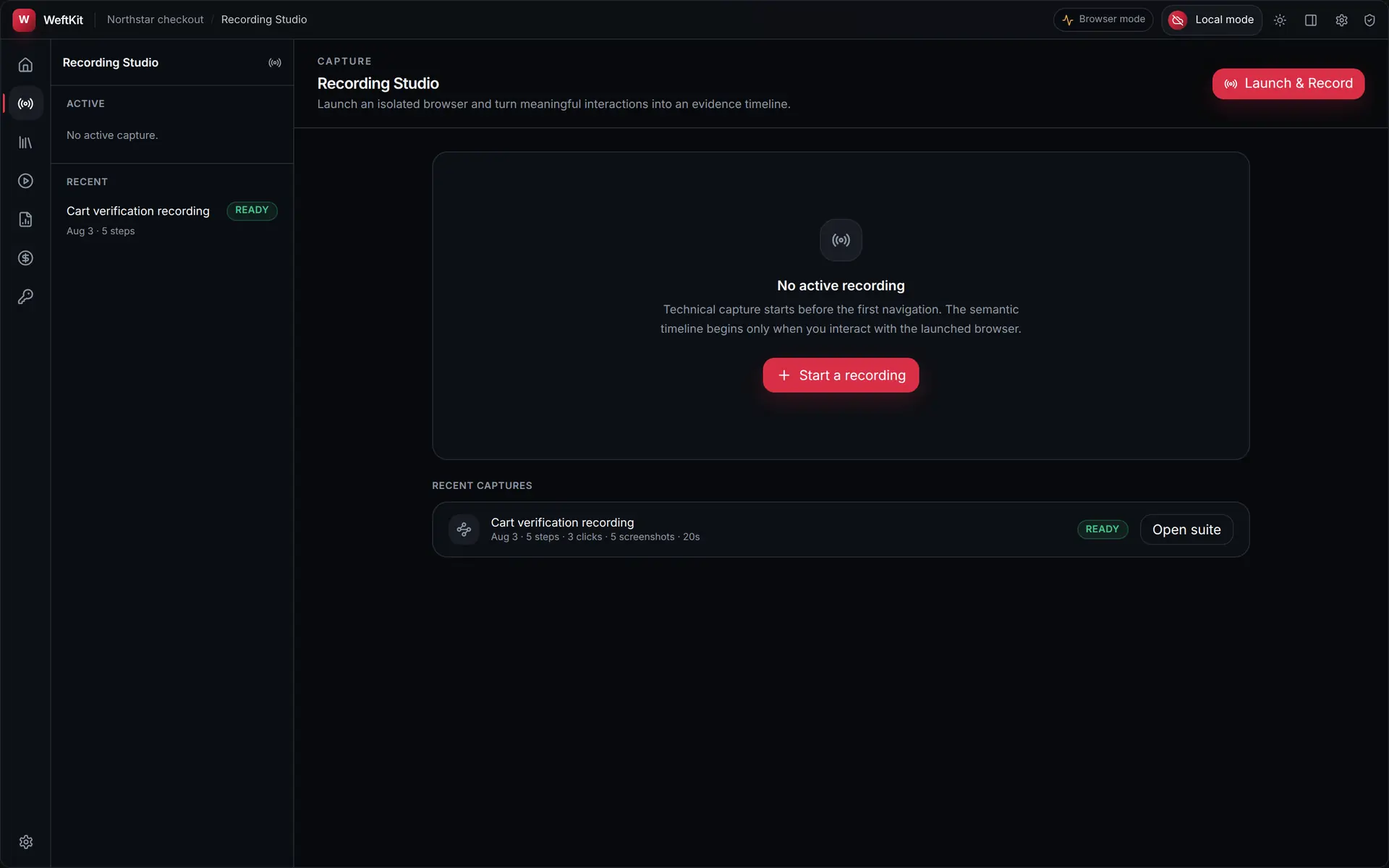
The studio is where a workflow becomes a test. You launch a browser from WeftKit, perform the journey once the way a person would, and the app records the intent behind each interaction — not a coordinate trace, and not your screen.
An isolated browser, not yours
WeftKit launches its own browser profile and records only that window. It does not attach to your personal browser, and it does not observe input outside the session it started. Your cookies, extensions, saved passwords, and open tabs are not part of the capture.
What a step records
Each interaction is compiled into a semantic action with the context needed to replay it somewhere the DOM has shifted slightly:
| Recorded | Why it exists |
|---|---|
| The action | One of navigate, click, fill, select, press, tab, or assert — the intent, expressed independently of implementation code. |
| A locator fallback ladder | Several ways to find the same element, ordered by durability, so a class-name change alone does not break the step. |
| Bounded evidence | Viewport screenshots at action boundaries, DOM and accessibility snapshots, and network metadata. |
| Secret references | A recognised credential field is stored as a named reference such as ${secret.ADMIN_PASSWORD}. The typed value is never captured. |
Capture profiles
The privacy profile inherited from the project decides how much of the page is retained. Strict is the default and is designed for routine testing; Diagnostic keeps more context and still enforces the sensitive-field controls. Neither profile can be weakened into capturing credential headers, secret-bearing fills, or unmasked sensitive screenshots — those are filtered at collection, not at display.
From capture to suite
Stopping the capture compiles it. WeftKit turns the timeline into an ordered suite with explicit waits and assertions, then stores it as a file in your project. From the studio you can open the compiled suite directly; the recording itself is kept as its own report so you can always compare the suite against what was demonstrated.