Getting started
WeftKit is a local-first desktop app: you demonstrate a browser workflow once, WeftKit compiles it into a deterministic test suite, and every replay produces evidence you can audit. This guide takes you from a source checkout to your first replayed suite.
Install from source
There are no packaged installers yet. You need Node.js 22+, pnpm, a stable Rust toolchain, and a Chromium-family browser (Chrome, Edge, Brave, or Chromium) on your machine.
git clone <weftkit-repository-url>
cd weftkit/app
pnpm install
pnpm tauri dev      # run in development
pnpm tauri build # or build a release bundleFirst-run setup
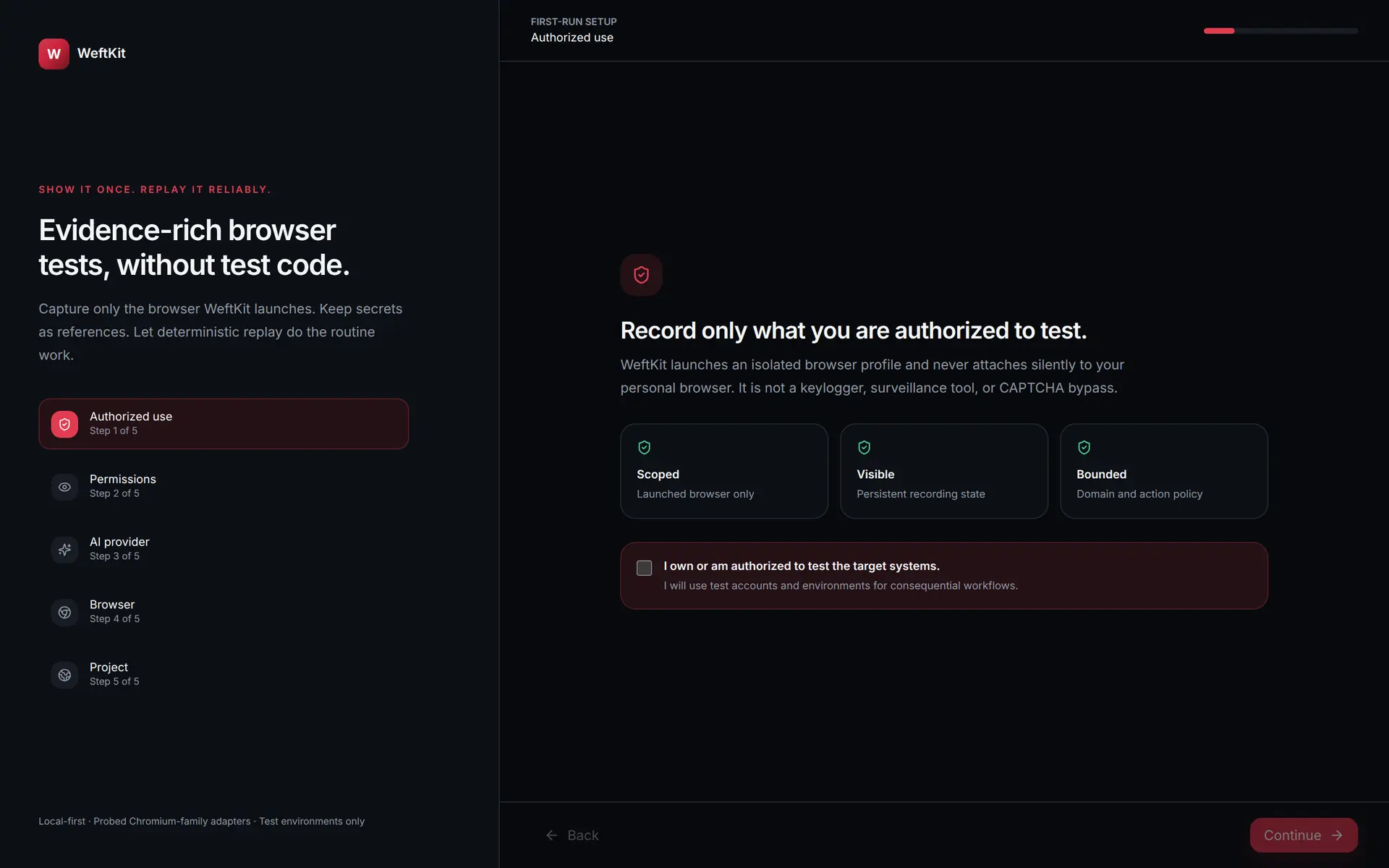
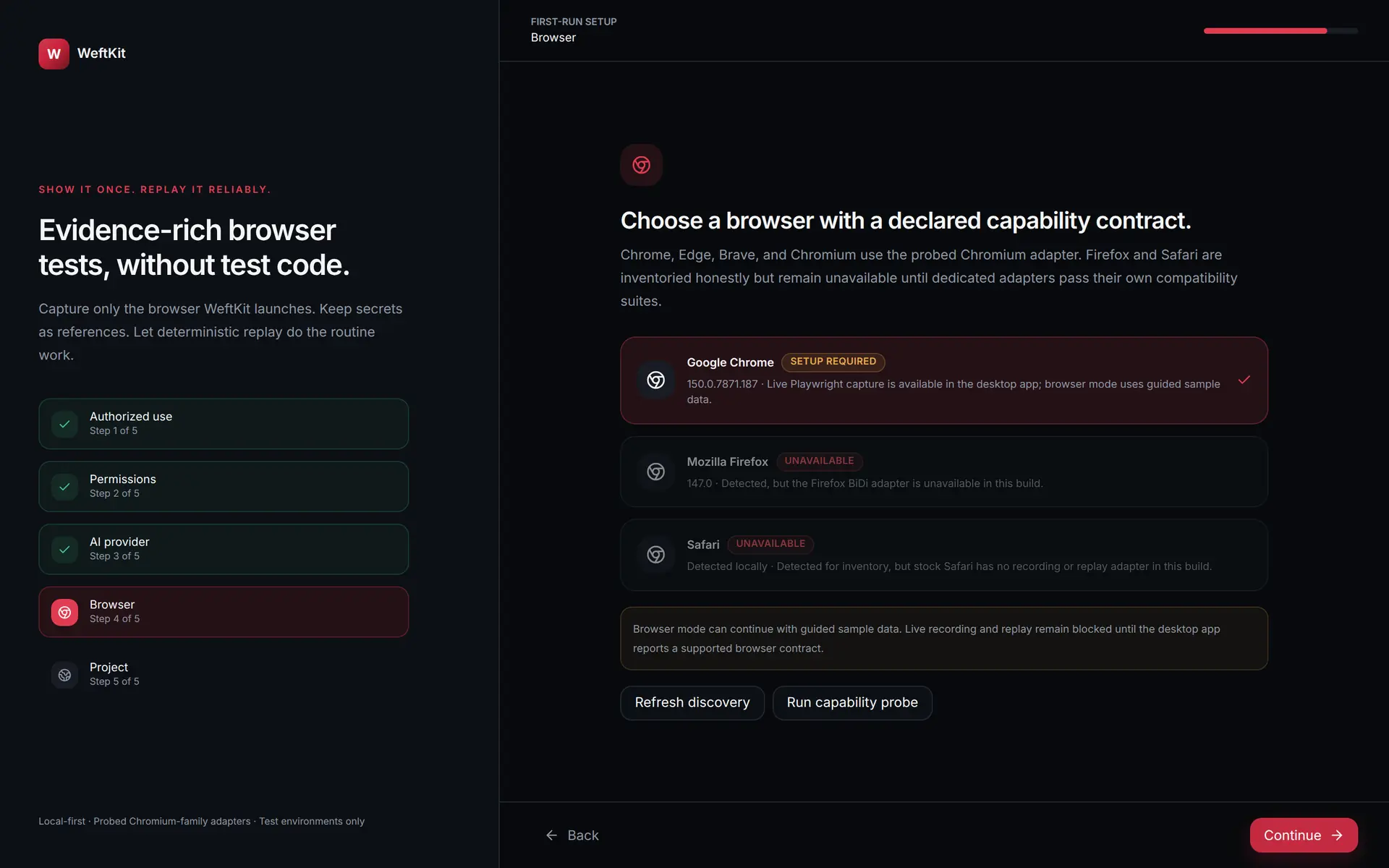
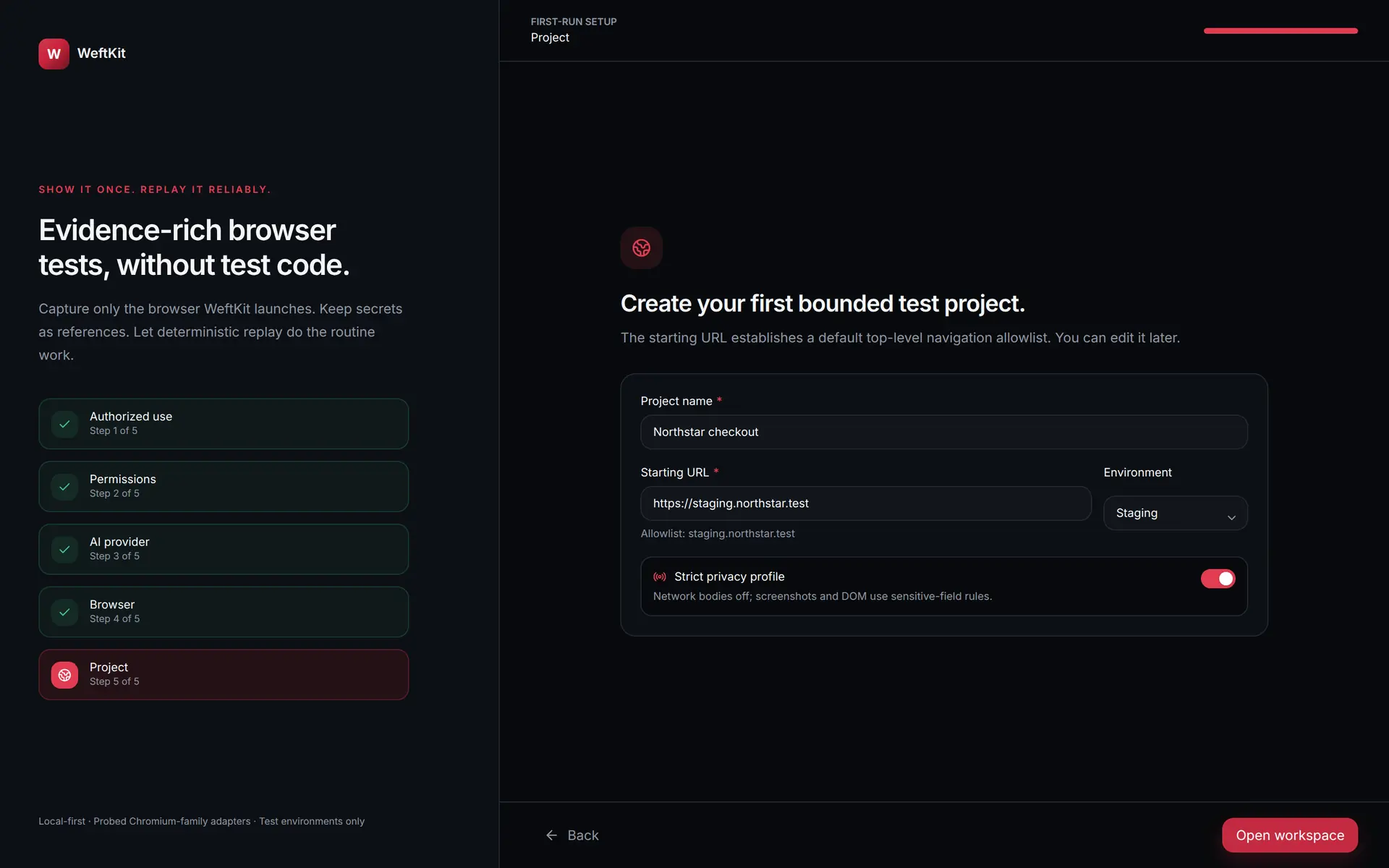
The first launch walks five steps, and none of them are skippable theatre. You acknowledge that you are authorized to test the targets, review the permissions the capture mode actually needs, optionally choose an AI provider for repair, pick a browser with a declared capability contract, and create your first bounded project.
Create a project
Every WeftKit project can be a git repository — that is the default. When you create one you choose how it starts:
- Initialize a new repo (the default) — WeftKit runs the init and makes an initial commit for you.
- Connect an existing remote — point the project at a remote URL you already have.
- Clone an existing repository — start from a project a teammate pushed.
- No git — opt out if you really want to.
A generated .gitignore keeps secrets and heavy evidence (recordings, run artifacts, browser profiles) out of version control from day one.
Record a workflow
Start a recording and WeftKit opens an isolated browser profile — separate from your personal browsing, cookies, and extensions. Demonstrate the workflow once: navigate, click, type, submit. Recognized secret fields are recorded as named references — the values never enter the recording. You supply each value once afterwards in the Secret Vault, and it is stored in your OS credential vault.
Compile and replay
WeftKit compiles the recording into a suite: an ordered list of steps with explicit waits and assertions, stored as a file in your project. Replay it from the app whenever you want. Each run produces a report with per-step screenshots, network metadata, and a hash-chained event log.
- A step that passes deterministically is marked Passed.
- A step that fails halts the run and captures the failure context.
- If AI repair is enabled and a safe candidate is confirmed, the step is marked PassedWithRepair — visibly distinct from a clean pass.
Where to go next
The rest of these docs follow the app's own navigation. Every page carries screenshots of the real desktop build.
Start here
Capture
Execute
AI